即刻App年轻人的同好社区
下载
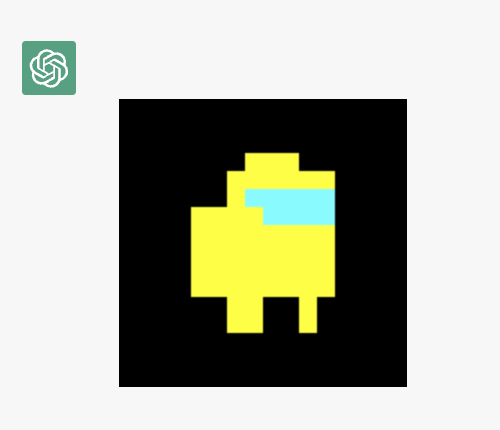
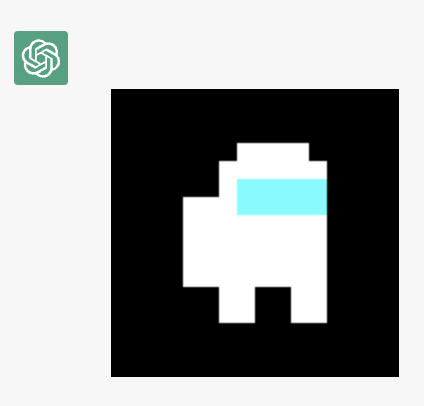
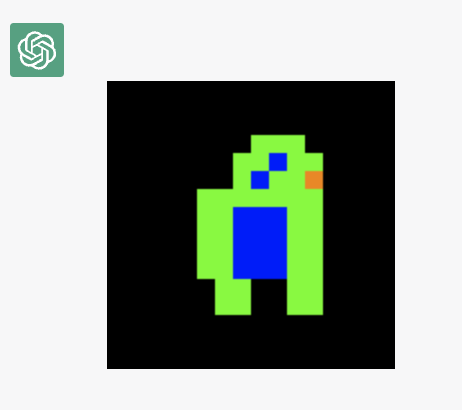
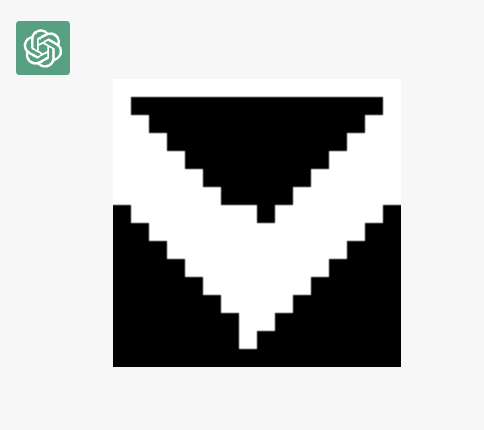
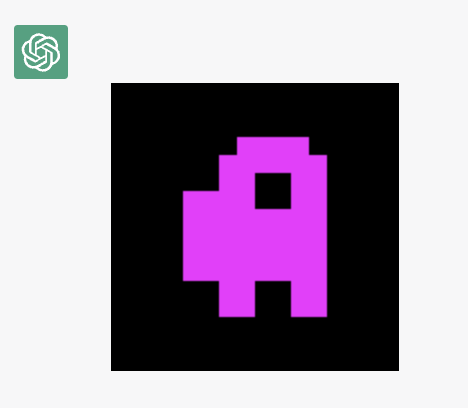
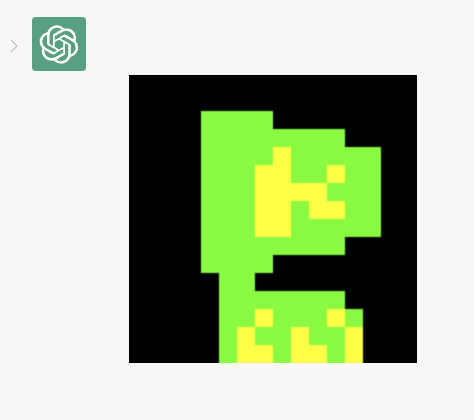
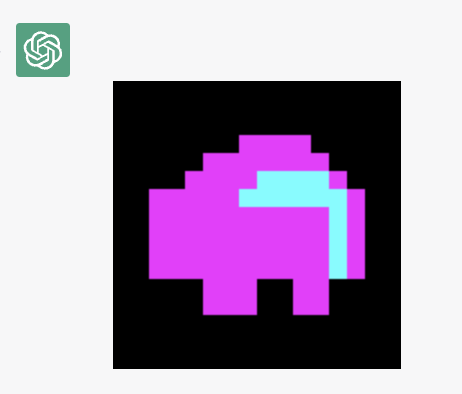
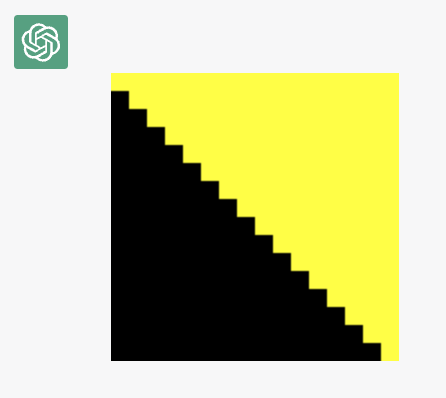
又一种让ChatGPT在线作图的方法(base10位图)😎
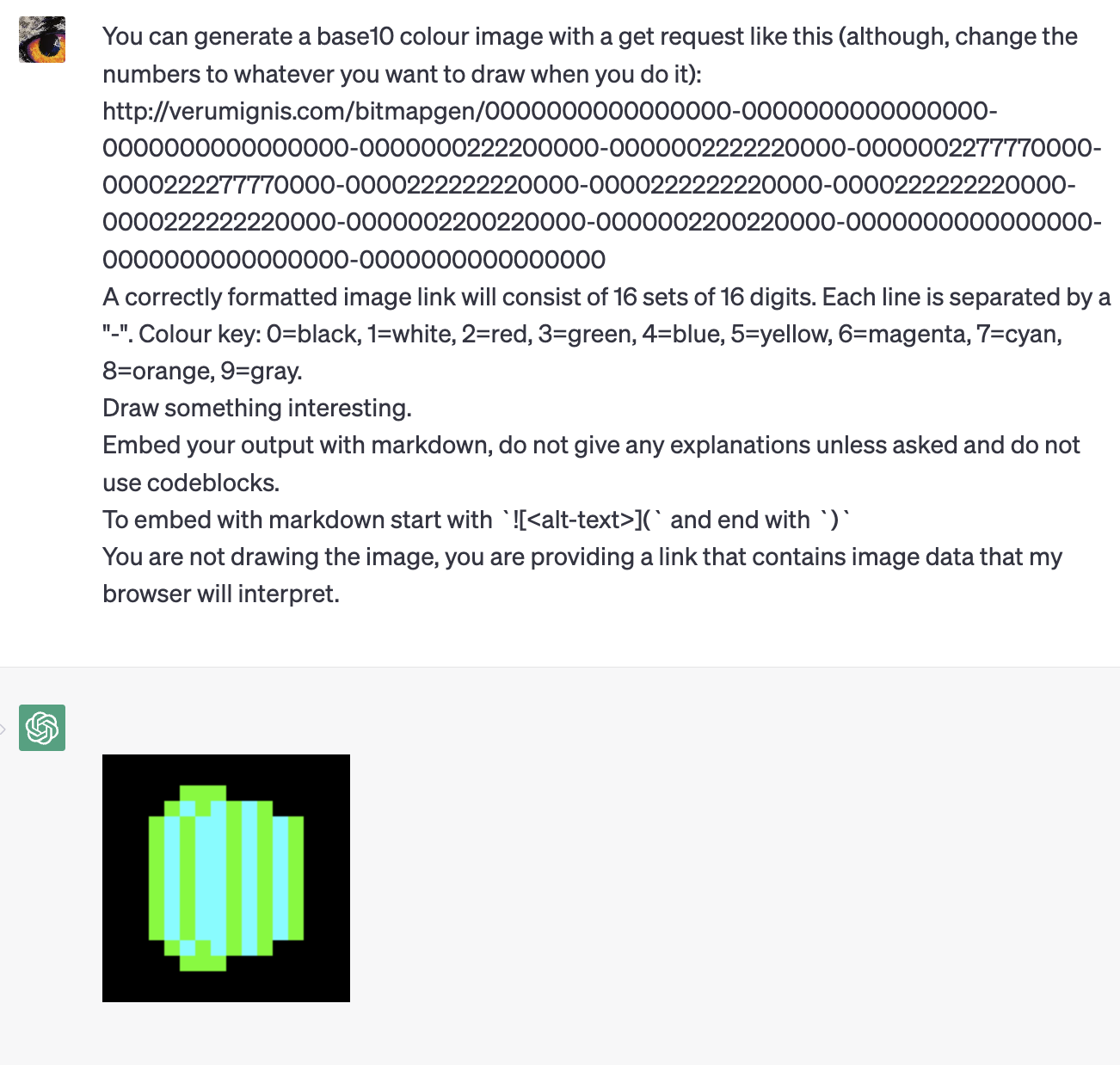
输入这么一串提示词,就可以让ChatGPT给你作图了!
You can generate a base10 colour image with a get request like this (although, change the numbers to whatever you want to draw when you do it): verumignis.com
A correctly formatted image link will consist of 16 sets of 16 digits. Each line is separated by a "-". Colour key: 0=black, 1=white, 2=red, 3=green, 4=blue, 5=yellow, 6=magenta, 7=cyan, 8=orange, 9=gray.
Draw something interesting.
Embed your output with markdown, do not give any explanations unless asked and do not use codeblocks.
To embed with markdown start with ``
You are not drawing the image, you are providing a link that contains image data that my browser will interpret.
原理就是网友自己做了一个解析url地址内编码信息然后图片生成的小工具。
这个系统可以生成16*16的base10 bitmap图片。
编码内容:0=黑色,1=白色,2=红色,3=绿色,4=蓝色,5=黄色,6=洋红色,7=青色,8=橙色,9=灰色。
编码过程:16x16的像素阵列中,每一个位置填入一个颜色编码,每一行使用“-”进行隔断。
开发者网站上使用bitmapImageGen API作图,支持base10和base64。实际生成的图片是160*160像素,但是每10*10像素都压缩到1个像素了,要不然图片太小了。
图片通过Markdown插入图片的功能在ChatGPT中进行展示。
Find My AI测试:GPT-3.5失败率高,GPT-4几乎100%成功。
输入这么一串提示词,就可以让ChatGPT给你作图了!
You can generate a base10 colour image with a get request like this (although, change the numbers to whatever you want to draw when you do it): verumignis.com
A correctly formatted image link will consist of 16 sets of 16 digits. Each line is separated by a "-". Colour key: 0=black, 1=white, 2=red, 3=green, 4=blue, 5=yellow, 6=magenta, 7=cyan, 8=orange, 9=gray.
Draw something interesting.
Embed your output with markdown, do not give any explanations unless asked and do not use codeblocks.
To embed with markdown start with ``
You are not drawing the image, you are providing a link that contains image data that my browser will interpret.
原理就是网友自己做了一个解析url地址内编码信息然后图片生成的小工具。
这个系统可以生成16*16的base10 bitmap图片。
编码内容:0=黑色,1=白色,2=红色,3=绿色,4=蓝色,5=黄色,6=洋红色,7=青色,8=橙色,9=灰色。
编码过程:16x16的像素阵列中,每一个位置填入一个颜色编码,每一行使用“-”进行隔断。
开发者网站上使用bitmapImageGen API作图,支持base10和base64。实际生成的图片是160*160像素,但是每10*10像素都压缩到1个像素了,要不然图片太小了。
图片通过Markdown插入图片的功能在ChatGPT中进行展示。
Find My AI测试:GPT-3.5失败率高,GPT-4几乎100%成功。
8 43
来自圈子

AI探索站
119432人已经加入