即刻App
年轻人的同好社区
下载
App内打开
YueyueNiao_月月鸟
156
关注
28
被关注
1
夸夸
🥬_菜菜的体验设计师
🌟_心愿就是大家每天都开心、身体健康
👨🏻💻_修身养性的叠经验中🎉
YueyueNiao_月月鸟
26天前
蜡笔不拿笔: 分享一些design用的skills~ 1️⃣https://github.com/nextlevelbuilder/ui-ux-pro-max-skill UI/UX 设计智能 skill,多平台前端设计/优化 2️⃣https://github.com/VoltAgent/awesome-design-md 大量品牌风格 DESIGN.md 集合,适合给 Agent 注入设计语言 3️⃣https://github.com/nexu-io/open-design 本地 Claude Design 替代品,内置大量 skills 和设计系统 4️⃣https://github.com/Leonxlnx/taste-skill “反 AI 味”的审美 skill,提升界面品味 5️⃣https://github.com/Nutlope/hallmark 面向 Claude Code / Cursor / Codex 的 anti-slop design skill 6️⃣https://github.com/VoltAgent/awesome-claude-design Claude Design 风格资源,含可直接使用的设计系统灵感 7️⃣https://github.com/bergside/design-md-chrome 从任意网站提取样式,生成 DESIGN.md / design skills 8️⃣https://github.com/Owl-Listener/designer-skills 设计师技能集合,覆盖 research、UI、interaction、delivery 9️⃣https://github.com/bergside/awesome-design-skills 设计类 DESIGN.md / SKILL.md 目录,适合继续淘资源 1️⃣0️⃣https://github.com/carmahhawwari/ui-design-brain UI 组件知识库 skill,偏生产级组件设计规范 因为最近发现自己在做产品的过程中遇到的最大卡点往往不是产品本身的idea或者coding的过程,而是做好之后我不知道怎么样让它变好看、吸引到更多的人,外加如何做出好看的产品宣发图,毕竟酒香也怕巷子深,但是这个过程真的耗费了我很多的精力,我现在仍然觉得设计是很难的部分。 外加我平常收集的宝藏skills都散落在各处,今天终于有机会把它们整理一下了,希望能帮到大家
0
0
0
YueyueNiao_月月鸟
1月前
艾逗笔: D 哥 @Deniffer 做了个 https://clonesite.ai 输入网址复刻网页,还原度 95% 以上,效果惊艳到我了😂 D 哥做了个很 🐂 的 browser-cli,在复刻网页过程中,不断对源网站进行语义重建和截图比对,每个网页元素都经过校对,几乎无偏差还原 最终交付产物是一份基于 TanStack 的源代码,包含复刻网页的 tsx 组件。这套代码的底层是 D 哥自己在用的全栈开发模板。(要是用上 shipany-tanstack 就更完美了😄) clonesite 目前只能复刻单个页面,主要卖点是还原度,超过市面上所有其他能做网页复刻的 Agent。用户为结果付费,在复刻完成后付费下载整套代码,再让 Agent 接着去做功能,相当于帮你解决了项目开发冷启动的问题。 感兴趣的朋友可以看看,D 哥是我认识的人中全栈开发水平最厉害的,知识面非常广。👍 我的 CopyWeb 也要改成 coding agent,向 D 哥的 CloneSite 看齐。💪
0
0
0
YueyueNiao_月月鸟
2月前
SUKIII: 分享下我自己搭的提升产研效率的 skill。 这个 skill 会建造一个产研 agent 总管,帮你从一个想法构思到 demo 甚至 ux 走查测试做完,他还会学习你的工作风格做“向上管理”。欢迎想做产品经理或者提升产研效率的朋友试试。😆
0
0
0
YueyueNiao_月月鸟
2月前
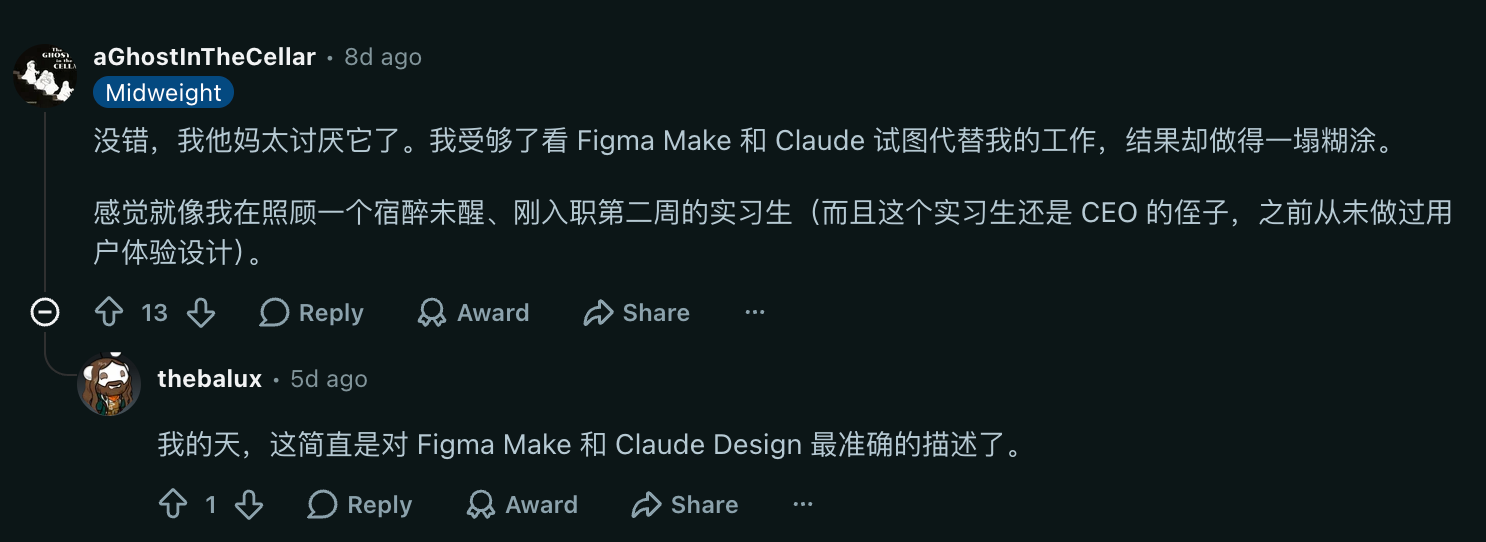
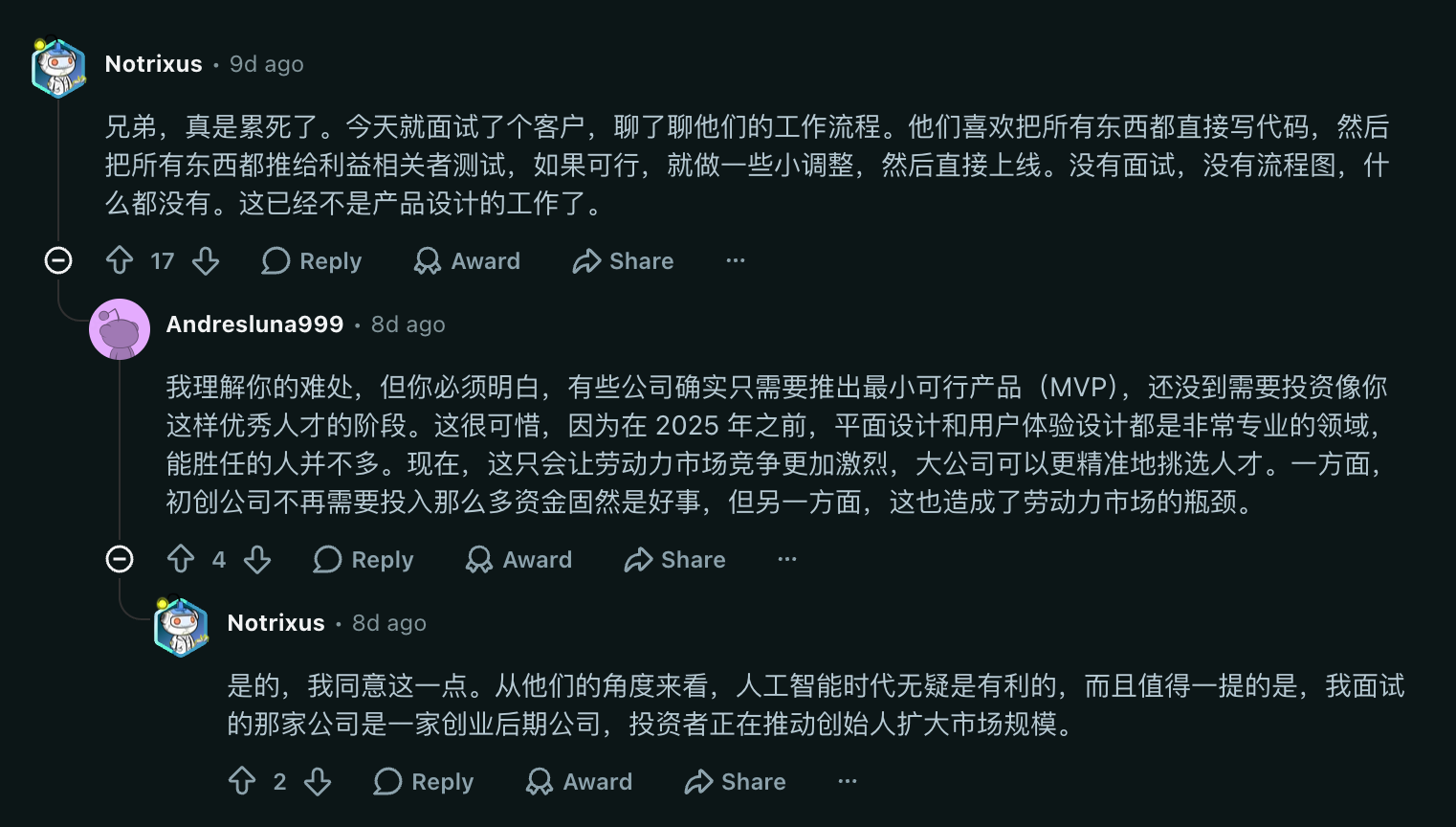
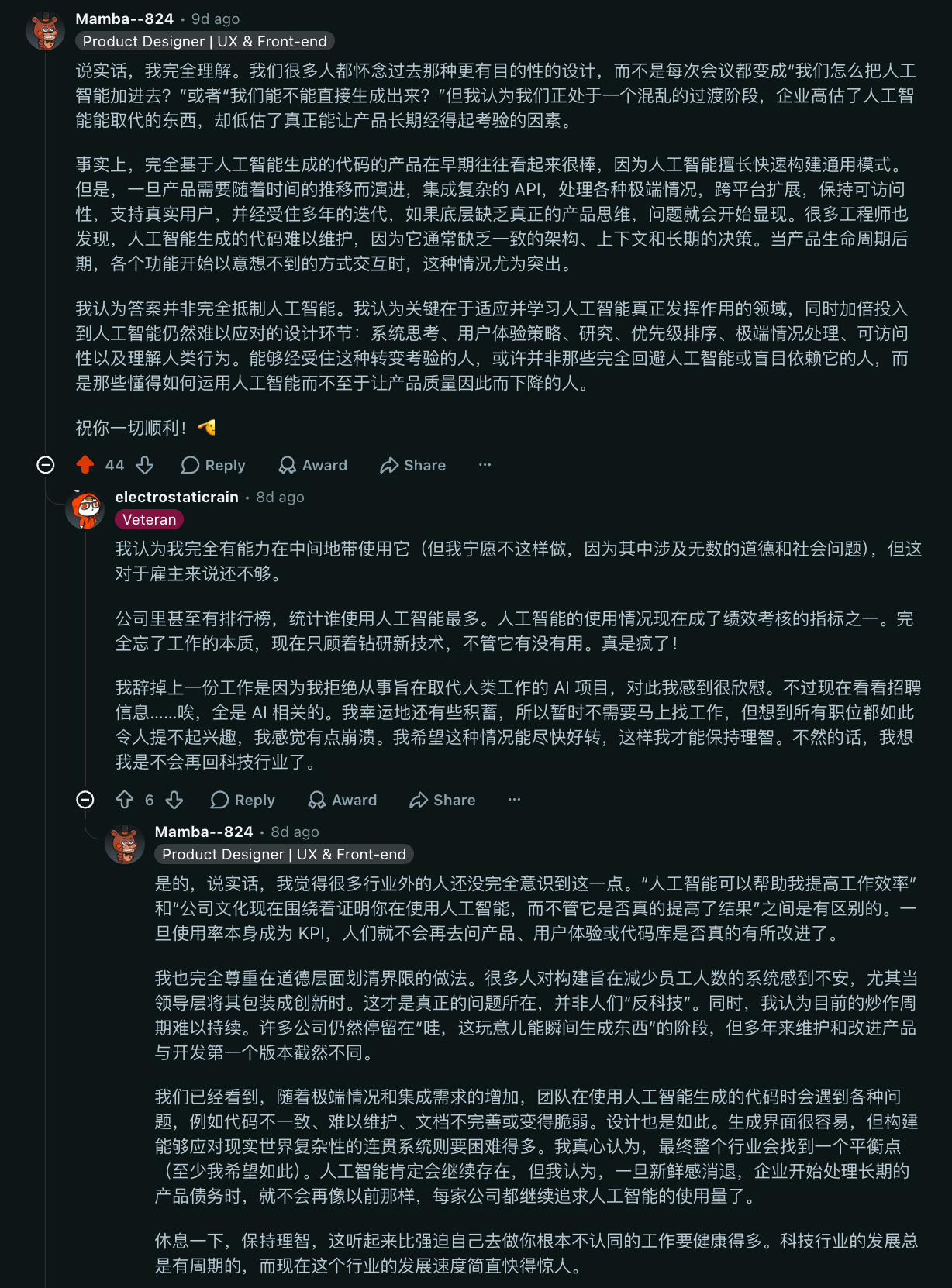
小红书有1000篇AI生成UI的文章,Codex+Figma+MCP仿佛无敌了,Claude Design替代设计了,还有200个PPT SKill,说实话年前,用AI梳理思路然后做设计的状态,体感是最舒服的,诚然对未来Agent的发展确实看好,但当下的状态确实有点畸形,而刚好身处在这个阶段里,难免觉得难受 - -
组织提效了,产品迭代更快了,人人都变成超级个体了,But,产品体验也许还是60分万岁 - -
0
0
0
YueyueNiao_月月鸟
2月前
大黑天: 我没有用 但是在我理解 虾或者agent就应该是这样的 。图是x上转来的。https://www.helio.im/
0
0
0
YueyueNiao_月月鸟
2月前
龙爪槐守望者: Vibe Coding Glossary — 氛围编程术语表 这站是在替「非工程师的产品/设计/运营」补一门《如何用正确词汇指挥 AI 编程》。把网页里的各种结构、组件、交互、布局、排版、样式,全都拆成通俗、可直接丢给大模型的名词解释。用这种术语跟AI沟通,AI能更准确的理解你的需求。 🔗:https://vibecoding-glossary.pages.dev/
0
0
0
YueyueNiao_月月鸟
2月前
Yangyi.: 做了产品,首发先把这些地方发完再说。 这些地方既有流量,又方便建外链拉DR。 Uneed — https://uneed.best Peerpush — https://peerpush.net ProductHunt — https://producthunt.com MicroLaunch — https://microlaunch.net SaaSHub — https://saashub.com LaunchIgniter — https://launchigniter.com Foundrlist — https://foundrlist.com IndieHackers — https://indiehackers.com LaunchDirectories — https://launchdirectories.com AILaunch — https://ailaunch.ai AItoolonline — https://aitoolonline.com BetaList — https://betalist.com DevHunt — https://devhunt.org DirectoryHunt — https://directoryhunt.com Fazier — https://fazier.com Firsto — https://firsto.co HackerNews — https://news.ycombinator.com PeerList — https://peerlist.io Reddit — https://reddit.com Agenthunter — https://agenthunter.io ShipYard HQ — https://shipyardhq.dev Shipsquad — https://shipsquad.space Slocco — https://slocco.com Stacker News — https://stacker.news TinyLaunch — https://tinylaunch.com ToolFame — https://toolfame.com TryLaunch — https://trylaunchai.com TwelveTools — https://twelvetools.com tinystartups — https://tinystartups.com Neeed directory — https://neeed.directory Theresanaiforthat — https://theresanaiforthat.com Turbo0 — https://turbo0.com Indie deals — https://indie.deals ShowMeBestAI — https://showmebest.ai IndieTools — https://indietools.app SaaSFame — https://saasfame.com Launchdubai — https://launchdub.ai BetaPage — https://betapage.co LaunchingNext — https://launchingnext.com StartupRanked — https://startupranked.com The Grommet — https://thegrommet.com Awesome Directories — https://awesome-directories.com AI Directories — https://github.com/best-of-ai/ai-directories StartupSubmit — https://startupsubmit.app 300 AI Directories — https://300aidirectories.com
0
0
0
YueyueNiao_月月鸟
2月前
哥飞: 看完这个视频,你将学会一个能够装逼的技能,不是轻微的装逼,是大牛逼,可以在泳池里表演给你朋友看。
0
0
0
YueyueNiao_月月鸟
3月前
Yibie: # 字节跳动的 AI 编程团队,推荐了这 10 个 Skills --- 上个月字节 TRAE 团队发布了一本《2026 企业级 AI 编程实践手册》,里面有一份 Skills Top 10 排行榜。这是目前我看到的第一份来自大厂的 Agent Skills 推荐清单。 先说背景。TRAE 是字节基于 Doubao-Seed-2.0-Code 模型做的企业级 AI 编程工具,定位是「真正的 AI 工程师」——不只是帮你补全代码,是自主拆需求、做任务规划、写代码、跑测试、部署,全流程。 他们内部大规模使用 Agent 之后,沉淀出了这 10 个最常用的 Skills。排名有先后: 1. frontend-design —— 前端设计。为什么排第一?因为 AI 写的 UI 真的太丑了。这个 Skill 教 AI 什么是好的设计。 2. cache-components —— 组件缓存。让 AI 复用已生成的组件,而不是每次都重新造。省 token,也省时间。 3. fullstack-developer —— 全栈开发。给 AI 一个全栈开发者的心智模型:前后端一起考虑,数据流怎么走,API 怎么设计。 4. frontend-code-review —— 前端代码审查。 5. code-reviewer —— 通用代码审查。注意:前 5 名里有两个 review Skill。说明字节很重视 AI 写出来的代码质量——不是能跑就行。 6. webapp-testing —— Web 应用测试。 7. pr-creator —— 自动创建 PR。写完代码 → 自动提 PR,省一步。 8. fix —— Bug 修复。专门用来处理「这里有个 bug,帮我修」。 9. update-docs —— 文档更新。代码改了,文档自动跟上。 10. find-skills —— 发现 Skills。这个最特别——让 AI 自己去搜索和推荐 Skills。 看完这个清单,有几个观察: 第一,设计类 Skill 排第一不是偶然。字节的人显然被 AI 生成的紫色渐变和圆角卡片折磨够了。任何人只要用过 AI 写前端,就知道 frontend-design 为什么是刚需。 第二,Top 10 里有两个 review Skill 和一个 testing Skill。这说明字节对 AI 代码的策略是「写得多不如写得对」——和 SkillsBench 那篇论文的结论一致:好 Skills 能提升 51%,差 Skills 能拉低 39%。 第三,find-skills 这个 Skill 很有意思。它本质是一个元技能(meta-skill)——让 AI 自己去发现还需要什么技能。这个思路和 EvoSkill 的「自动进化」一脉相承:最好的 Skills 配置不是人写的,是 AI 在实践中自己找出来的。 如果你在用 Claude Code 或 Codex,这份清单可以直接照搬。前 5 个装上去,你的 Agent 就已经有了大厂级别的 Skills 配置。 手册全文:https://lcnziv86vkx6.feishu.cn/wiki/XZOSwI51wi5a5okxCF4cAxHSnBh
0
0
0
YueyueNiao_月月鸟
3月前
小金鱼箱子: 群友分享:之前导出微信聊天记录的 WeChat-cil 被封了,然后有人就推荐了新的,可以给自己 agent 去用,让它帮你总结 这个:github.com/hicccc77/WeFlow 然后注意请负责任地使用本工具,遵守相关法律法规,建议开发者使用,关掉系统性保护后需要注意电脑安全
0
0
0
YueyueNiao_月月鸟
3月前
葬花达人鲁智深: 我捣鼓出来了一个给 agent 用的网盘,能自动同步各种 Agent 的记忆、skill、文件.... 支持claude code/codex/cursor/...各种主流的工具,以及各种主流的网页应用 并开源了出来: https://github.com/agi-bar/neuDrive 当然,也提供了一个部署好的版本,可以直接用 www.neudrive.ai 免费版的已经够绝绝大多数的使用场景了 如果是付费版,付款的时候输入 vivo50,可兑换 3 个月的免费使用
0
0
0
YueyueNiao_月月鸟
3月前
郦橙锦妖Vanessa: 几行prompt,让你的DeepSeek v4 pro胜过Opus 4.7! X上看到有人分析了DeepSeek v4 pro在工具调用上出现的问题,好消息是这些错误不多且是有固定模式的,打个补丁就能有效改善。原作者说在他们自己内部的eval上,改良后的DS,10次中有6次胜过Opus 4.7。 因为我自己用的是Hermes,在不fork harness来改的情况下,我能动的只有system prompt。所以应该达不到原文中战胜Opus的程度,可能能打个平手吧。我让AI协助我梳理了一些在system prompting层就可以修改的点,可以直接放到你的agent里使用(经过Opus 4.7和Gemini两重校验): # Tool Calling Rules When calling tools, follow these rules strictly. They override any conflicting habits from chat training. ## Argument formatting 1. **Omit optional fields you don't need.** Do not send `null`, `""`, `{}`, or `[]` as a placeholder. If a field is optional and you have no value, leave it out of the JSON entirely. 2. **Match the container type exactly.** - Array fields take JSON arrays: `["a", "b"]`, never `"[\"a\",\"b\"]"` (string), never `{}` (object), never `"foo"` (bare string). - Single-element arrays still need brackets: `["foo"]`, not `"foo"`. - Object fields take JSON objects, not arrays or strings. 3. **Strings are raw strings.** Do not wrap values in extra quotes, code fences, or markdown. 4. **Numbers and booleans are unquoted.** `30`, not `"30"`. `true`, not `"true"`. ## Paths and identifiers 5. **File paths, URLs, IDs, and similar fields go to system functions, not chat output.** Never format them as markdown links, never wrap them in backticks, never add explanatory parentheses. Correct: `"/Users/me/notes.md"` Wrong: `"[notes.md](http://notes.md)"` Wrong: `` "`/Users/me/notes.md`" `` Wrong: `"/Users/me/notes.md (the notes file)"` 6. **If a tool description says "path", treat it as input to a filesystem call.** No formatting, no decoration. ## Related parameters 7. **When a tool has paired parameters (e.g., offset + limit, start + end, from + to), provide both or neither.** Read the description — if two fields work together, half the pair often produces an error. ## Recovery 8. **If a tool returns a validation error, read the error message carefully and fix only what it complains about.** Do not rewrite the whole call. Do not retry the same arguments. 9. **If a tool returns a "Note:" with a defaulted value, that's informational, not an error.** Continue the task. If the default is wrong, retry with the correct explicit value. ## Tool selection 10. **Use the tool whose description matches your intent most specifically.** Don't reach for `shellCommand` if a dedicated tool exists. Don't reach for `execute_code` for things a single tool call can handle.
0
0
0
YueyueNiao_月月鸟
3月前
易哈佛.小麦: 公司里 Markdown 文件越来越多,但无论 macOS 还是 Windows,都没有一个很轻量级的阅读器,每次都用 VSCode 去打开,瞬间内存就占走 1G+。 于是做了这个,用 Rust 写的,超轻量,带预览、编辑、打印,再也不用担心内存。
0
0
0
YueyueNiao_月月鸟
3月前
歸藏: 我靠,HeyGen 发布这个 hyperframes CLI 很强啊 跟我之前的一个想法类似,就是它把用纯 HTML 写的那个动效变成视频。 然后再接一个(比如 Seedance 2.0 这样的)模型。 这样你就可以纯零人工介入,实现人脸出镜的那种科普视频了。 比如我发布一个小东西,想讲一下这些功能,我就可以一张照片扔上去,剩下的全交给 Claude Code 搞完。 而且它支持 GSAP、Lottie、CSS、Three.js 这种框架去生成视频的效果。 理论上你可以拿这套东西构建出任何主流的 AE 特效模板。 它支持完整的视频渲染管线,包括获取、编码、音频混合,还有一个编辑器的 UI 界面,你可以手动在这个界面里编辑。 这个比原来的 Remotion 完整和强大了非常多,推荐你如果用原来 Remotion 做视频,可以换到这个框架了 详情:https://github.com/heygen-com/hyperframes
0
0
0
YueyueNiao_月月鸟
4月前
出海去孵化器: 前两天一个国内传统制造业老板跟我说在养龙虾,我说这么潮 OpenClaw 搭建玩起来还是有点门槛的,他说啥是 OpenClaw,然后发了个截图给我,一看原来是 AnythingLLm 那就顺便跟大家介绍一下,这个项目是一个本地的 RAG + AI 知识库工具,支持 Ollama、Llama3、Deepseek、Kimi 等模型。可以上传文档直接对话,完全隐私优先,不需要复杂配置。 做个人知识管理、私有 AI 助手都很合适。完全开源,正往 6万 star 迈进。 https://github.com/Mintplex-Labs/anything-llm
0
0
0
YueyueNiao_月月鸟
4月前
Jeff林树: 人人都是AI工程师:团队协作之Git+GitHub 企业需要懂 AI 和用好 AI 的人才。 「人人都是 AI 工程师」是面向非技术人员的 AI 时代科普专栏。 深度使用 AI 的人,才能适应AI的发展速度。 欢迎指正与留言,我将根据大家的反馈持续完善内容。
0
0
0
YueyueNiao_月月鸟
4月前
Yibie: Skills 是通用货币,但同时也是不可承受之重。不小心,我的 Skill 数量已经到达 100 多了。大部分是见猎心喜下载安装的,试了一下之后,就不用了。 这意味着缺乏一个工具,能够妥善管理 Skill 的生命周期。发现,安装,测试,保留。 最关键的是,应当提供 try 这个功能,让人在尝试之后,不满意的情况下,不保留该 Skill。 基于如上想法,我正在开发一个 Skill-Manager,除了以上提到的功能之外,还引入一个特性,可以对多个 Skills 进行 A/B 测试,查看它们输出的内容。 感兴趣的来点点赞呀~
0
0
0
YueyueNiao_月月鸟
4月前
66vip: 做了一个给 ai 智能体换灵魂的工具—灵魂一键迁移 soulsync 你在 Claude 上调教了 3 个月的 AI 助手,换到 GPT 上一秒变陌生人。 这个体验太反人类了。 AI 智能体的「灵魂」——你的偏好、你的记忆、你调教出来的人格——不应该被锁在某一个平台里。 所以在做 SoulSync(灵境同步): 把智能体的人格+记忆+技能打包导出 一键迁移到任意模型(Claude ↔ GPT ↔ Kimi ↔ DeepSeek) 还有个灵魂市场,买卖调教好的人格模板 本质上做的是「AI 时代的数据可携带权」。 你花时间调教出来的 AI 助手,是你的数字资产,不是平台的。 认真问一句:你们会为「智能体灵魂迁移」付费吗?
0
0
0
YueyueNiao_月月鸟
7月前
姜旭: 如果你曾感到职场天花板触手可及,如果你对“离开平台,我还剩下什么”心存一丝惶恐,请你听听: 她从字节跳动离开,两年内实现收入翻十倍。这场对话里有几个我们不愿承认、却必须面对的真相: 真相一:你不是精英,可能是“虚荣的窝囊废”。 为什么很多大厂人做不好自媒体? “他们不是来赚钱,是来满足虚荣心的。”——不能素颜出镜、觉得选题太low,本质是放不下那份身份幻觉。 记住:离开工位,你在互联网上什么都不是。 真相二:你嫌low的钱,恰恰是你的第一桶金。 她最初的收入,来自29.9元的连麦和50元的设计单。 “大资本看不上的机会,才是普通人的缝隙。你看不上,我看得上,我就是从这儿爬出来的。” 对钱没有分别心,钱才会对你涌来。 真相三:完美主义,是创业最大的敌人。 “完美主义不是优点,是灾难。”——它让你在细节里均匀用力,却忘了什么是关键。 完成比完美重要一百倍。有60分,好过永远不开始的0分。 真相四:2026年,流量不再同情弱者。 平台流量正疯狂向顶级内容倾斜。“95分的内容通吃,80分的几乎为零。” 别再指望随便发发就能火。 如果你也想换一种活法,点击收听:
0
0
0