即刻App
年轻人的同好社区
下载
App内打开
我的工号9527
218
关注
28
被关注
0
夸夸
后端十多年开发,Ai 出海程序员
我的工号9527
11月前
Chill Guy Analyser | Social Media Personality Analysis
0
2
0
我的工号9527
1年前
完全用 ai生成的网站
Random Animal Generator | AI-Powered Animal Image Generator
0
0
0
我的工号9527
1年前
云中江树: 35个 Cursor 神级提示词,AI 编程已经势不可挡 LangGPT 知识库已更新Cursor 提示词:https://langgptai.feishu.cn/wiki/LCoYw0IU1iIogjkW5u1cvRDqn1d 从 GPT-3 到现在的 cursor,能明显的看到 AI 编程的发展路径: 1 从编写Linux命令到完整的功能函数 2 从编写功能函数到完整的小项目 3 从小项目到完成中大型项目 可以看到的是 AI 必将颠覆现有的编程生态: 1 编程门槛的降低 2 编程群体的扩大 3 所见即所得的生成式编程过程
0
0
0
我的工号9527
1年前
kate人不错: 今天要和大家分享一个令人兴奋的新工具——Replit Agent。 想象一下,只需用自然语言描述你的想法,AI就能帮你从零开始搭建一个完整的网站,甚至自动部署上线。 Replit Agent的自动化比Cursor还要更进一步。 在这个视频里,我会详细展示: 用Replit Agent创建一个简单的对话应用 构建一个基础博客 搭建一个 Landing Page 虽然过程中也遇到了一些小问题,但整体来说,这个工具的潜力真的让我惊喜。 如果你对AI编程感兴趣,或者只是好奇AI到底能做到什么程度,这个视频值得一看。
0
0
0
我的工号9527
1年前
Barret李靖: 找到三个开源的 AI 工具,搭配使用,可以流水线搞定“短剧出海”问题😂 1)视频换脸工具 roop,https://github.com/s0md3v/roop,提供一张图片就行了,不需要数据集,也不需要训练 2)翻译+配音工具 pyvideotrans,https://github.com/jianchang512/pyvideotrans,支持切换不同的语音识别、文字翻译、文字合成语音工具 3)唇形同步工具 wa2lip,https://github.com/Rudrabha/Wav2Lip,唇形同步之后,嘴巴会变得有些奇怪,可以用另外一个开源工具 GFPGAN 进行面部修复,https://github.com/TencentARC/GFPGAN,有点类似老照片修复技术 这几款工具都能够离线使用,因此也可以通过简单的工程流搭建,实现程序化批量产出。调研完,有点手痒了……
0
0
0
我的工号9527
1年前
ncuzengliang: 不会页面设计,可以用flux生成ui图,我是这么个流程,以条码生成为例: 1. 先用GPT聊一下成熟商用的条码生成软件有哪些功能 2. 再用GPT给出Flux提示词,中英文对照,方便调整 3. 输入英文提示词到Flux,多抽几次(几乎每一张都很满意) 4. 照着图再用Claude改一改(也可以直接用cursor按图片生成基础布局,不过我试了效果不太好) 可以看下我改完的效果:https://barcode-maker.com 附Flux提示词: Design a professional user interface for a barcode generator tool website with the following elements: 1. Top Navigation Bar: - Display the website name "Barcode Generator" - Include user account icon and settings button 2. Left Sidebar: - Provide a list of different barcode types (e.g., EAN-13, QR Code, Code 128) - Clearly identify each type with icons and text 3. Main Editing Area: - Large preview window showing the generated barcode in real-time - Editing panel with input fields and basic configuration options 4. Bottom Toolbar: - Include various editing tools such as add text, resize, change color, etc. - Use intuitive icons to represent each tool 5. Action Buttons: - Place "Save Project" and "Export Barcode" buttons in the top right corner - Highlight these buttons with prominent colors Overall Design Style: - Use deep blue as the primary color with a white background for a professional look - Adopt a flat design to ensure the interface is clean and readable - Add appropriate shadows and spacing to enhance visual hierarchy - Ensure responsive design to adapt to different screen sizes Make sure the overall layout is intuitive and user-friendly, allowing users to quickly get started with the tool.
0
0
0
我的工号9527
1年前
AI工具派: ComfyUI-Yolain-Workflows:一份全面的 ComfyUI 工作流合集。 从基础,到进阶,再到落地应用,涵盖了图生图、细节修复、背景去除、重绘/扩图、人脸迁移、重绘光影、电商产品主图等工作流。 主要包括:基础工作流 | 进阶工作流 | 实用工作流 Github 地址:https://github.com/yolain/ComfyUI-Yolain-Workflows
0
0
0
我的工号9527
1年前
深思圈: 谷歌Chrome插件的巨大机遇,出海的朋友应该都有关注到Chrome里原来用 Manifest V2开发的插件马上就要停用了。这就有一个替代逻辑出现了,如果有找到不错的产品类型,马上做一个V3版的插件可能就能够立马有一批用户。 X上有人整理了一份完整版的V2版本插件名单,总计8万多个插件,并且包含了每个插件的详细信息,感兴趣的朋友直接在我公众号后台回复“Chrome”自取
0
0
0
我的工号9527
1年前
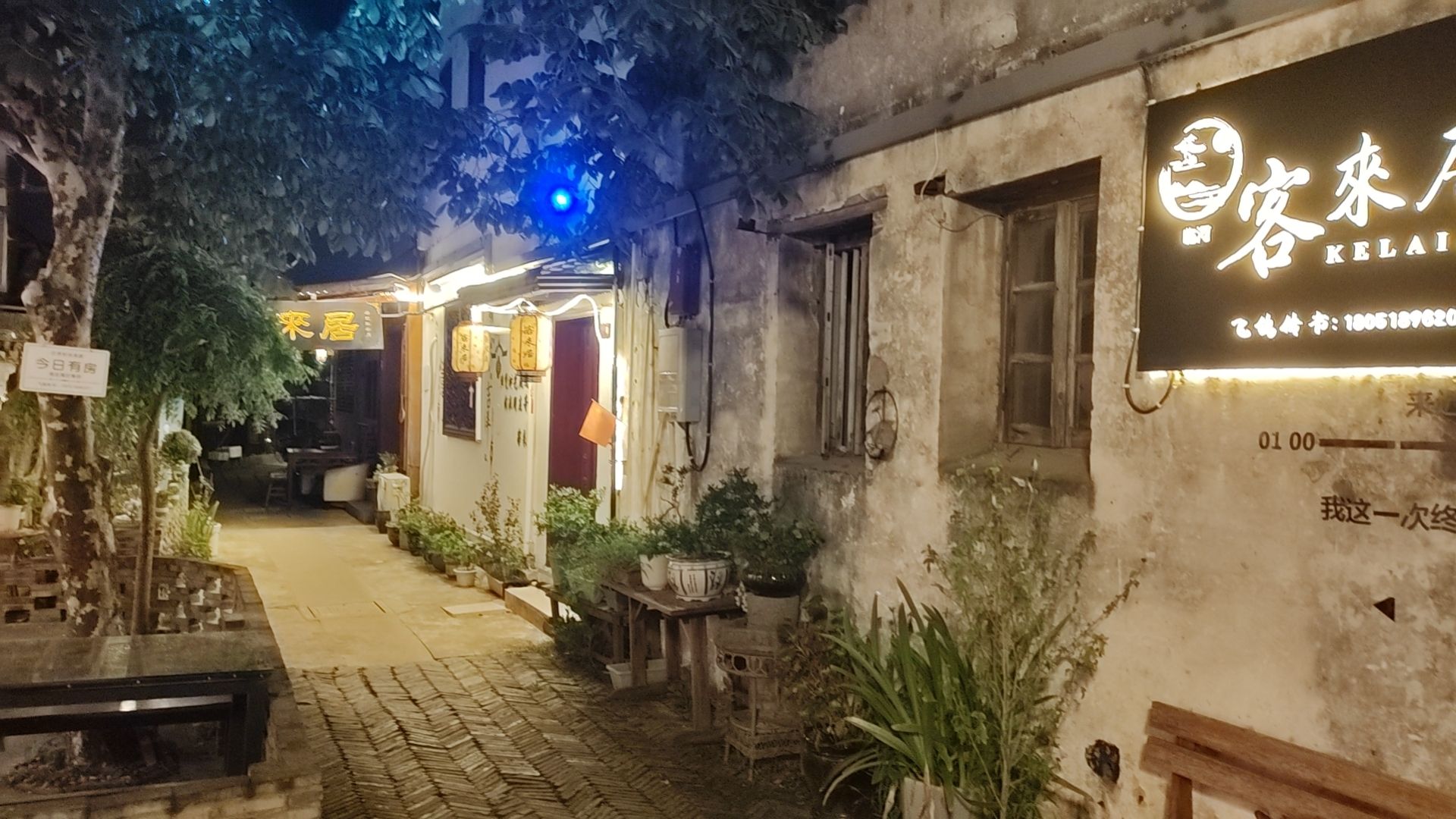
周庄
1
0
0
我的工号9527
1年前
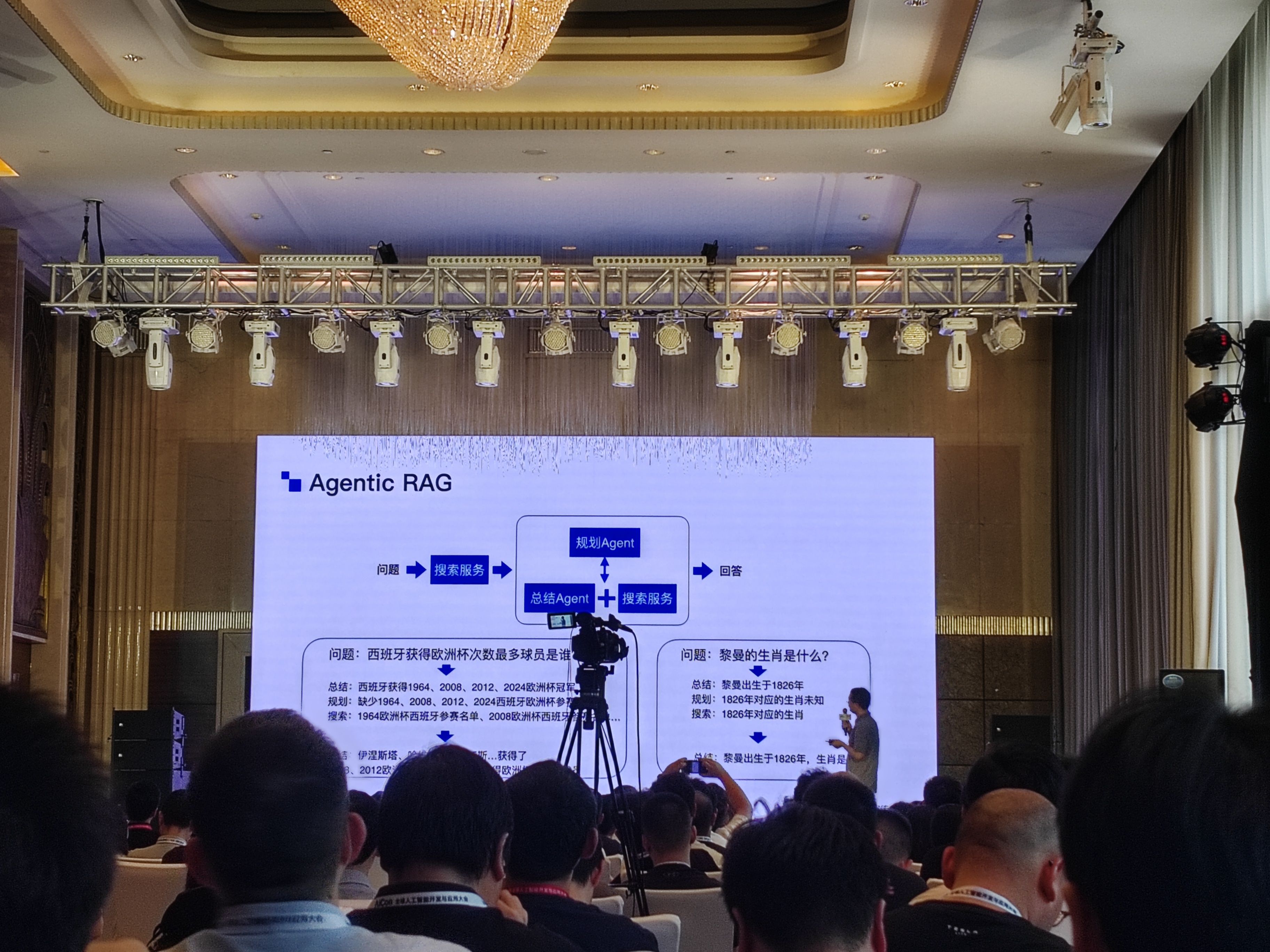
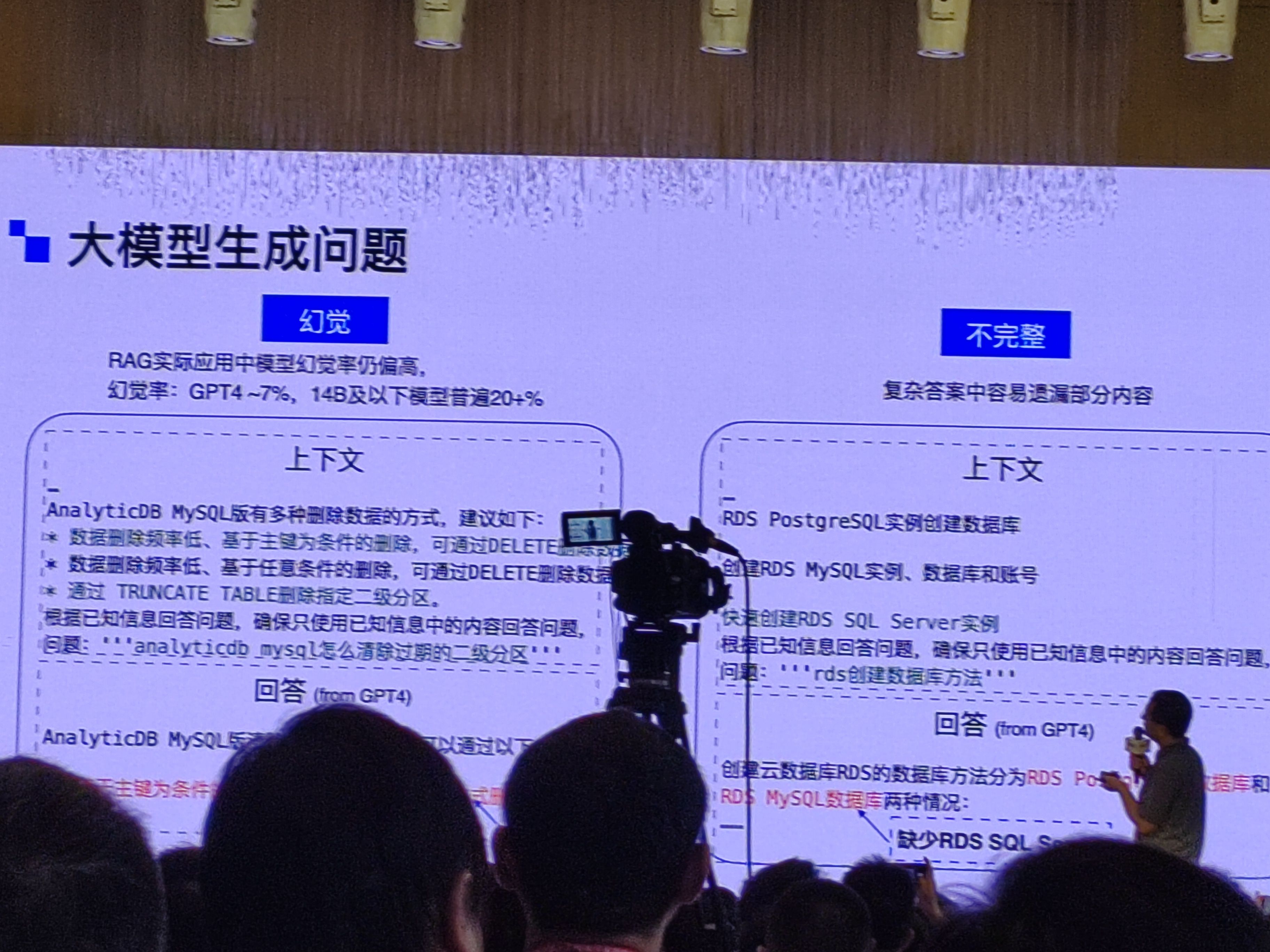
上海的 Aicon
3
0
0