即刻App年轻人的同好社区
下载
 置顶
置顶


13 00
一个非常深刻的感悟,国庆回到家短暂空闲几天,我仔细思考过一件事,作为我们这种小镇青年,经历过中国最传统的升学路径,初中-高中-大学,在我们人生的前十八年,定义的成功就是优绩主义,你的成绩好,你的懂事听话,你的安分与听话。
似乎我们在前十八年的目标都定义在好学生这个评价体系,但这也是不可避免的事实,因为每个小镇青年都得经历这个阶段,而步入社会后,你会发现原来以前的体系如同皇帝的新装一般,被现实戳破。
似乎我们在前十八年的目标都定义在好学生这个评价体系,但这也是不可避免的事实,因为每个小镇青年都得经历这个阶段,而步入社会后,你会发现原来以前的体系如同皇帝的新装一般,被现实戳破。
1 00
最近我遇到了一件事情,对于职业生涯是好处,但是压力太大了,或许在我这个年纪本就不该承受这些,但往往往上攀爬是不断突破自己舒适区的过程。我不知道是好是坏,只能在即刻写下这段话,在一个月后再回看这段话吧。
2 20
我对邵艾伦不太了解,只是关注几个月的时间,但是有些人连薄肌这种健康塑形的言论都还要嘲笑,站在制高点去批判这种行为的不可取,小丑行为等等诸如此类。
这种人要么就是嫉妒心作祟,要么就是一股老登味。
这种人要么就是嫉妒心作祟,要么就是一股老登味。
1 00
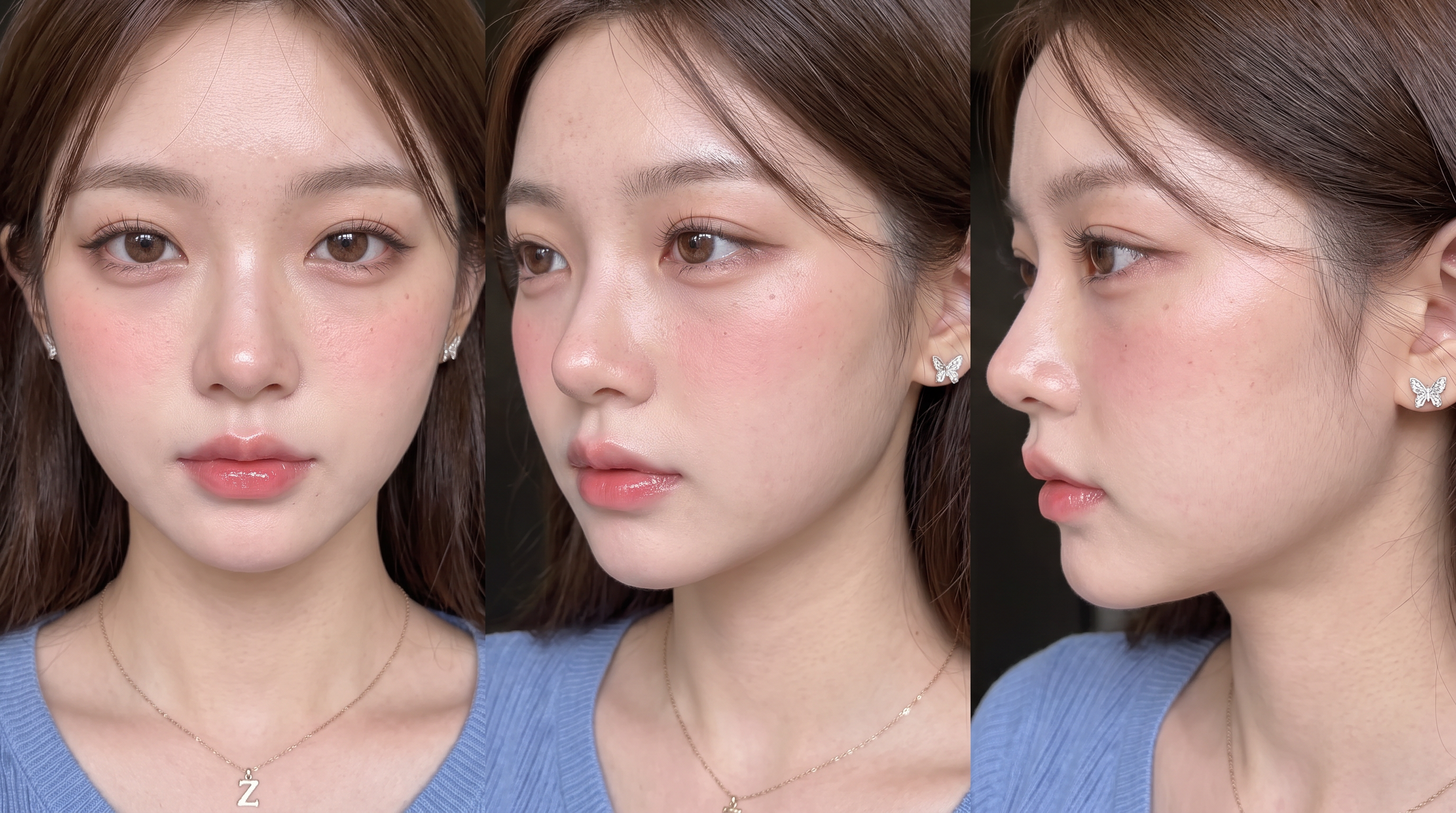
其实降低 Ai 感的方法有很多种,这里推荐一个三视图锁定人脸的好用法,优先选择香蕉模型,输入下面的三视图提示词:
你是一个专业的摄影师,现在需要生成这个人物的人脸三视图,包含正面,侧面,纯侧面,超写实风格,可爱小清新风格
人物面部轮廓:面部:面部自带原生的自然粉调红晕,苹果肌、鼻梁、鼻尖、眼下带均匀的淡粉色晒伤感红晕,天生的面部血色感,通透的水光肌,皮肤肌理清晰可见,保留原生雀斑与皮肤纹理,无磨皮无过度修图,光泽感从皮肤底层透出,唇部带自然水光。
面部妆容:
明显的毛孔、自然的皮肤质感、红润的肤色和湿润的皮肤、脸颊和鼻子上带有婴儿粉色的腮红。
你是一个专业的摄影师,现在需要生成这个人物的人脸三视图,包含正面,侧面,纯侧面,超写实风格,可爱小清新风格
人物面部轮廓:面部:面部自带原生的自然粉调红晕,苹果肌、鼻梁、鼻尖、眼下带均匀的淡粉色晒伤感红晕,天生的面部血色感,通透的水光肌,皮肤肌理清晰可见,保留原生雀斑与皮肤纹理,无磨皮无过度修图,光泽感从皮肤底层透出,唇部带自然水光。
面部妆容:
明显的毛孔、自然的皮肤质感、红润的肤色和湿润的皮肤、脸颊和鼻子上带有婴儿粉色的腮红。

1 00
两性关系是一生都需要去学习的课题,不管是男追女还是女追男的过程中,及时止损是最重要的能力。我可以主动,但如果得到的回应总是冷淡或平淡。
我觉得课堂上都没有人教会我们如何去发展关系,只能去靠自己去悟会,去感受。
我觉得课堂上都没有人教会我们如何去发展关系,只能去靠自己去悟会,去感受。
1 00
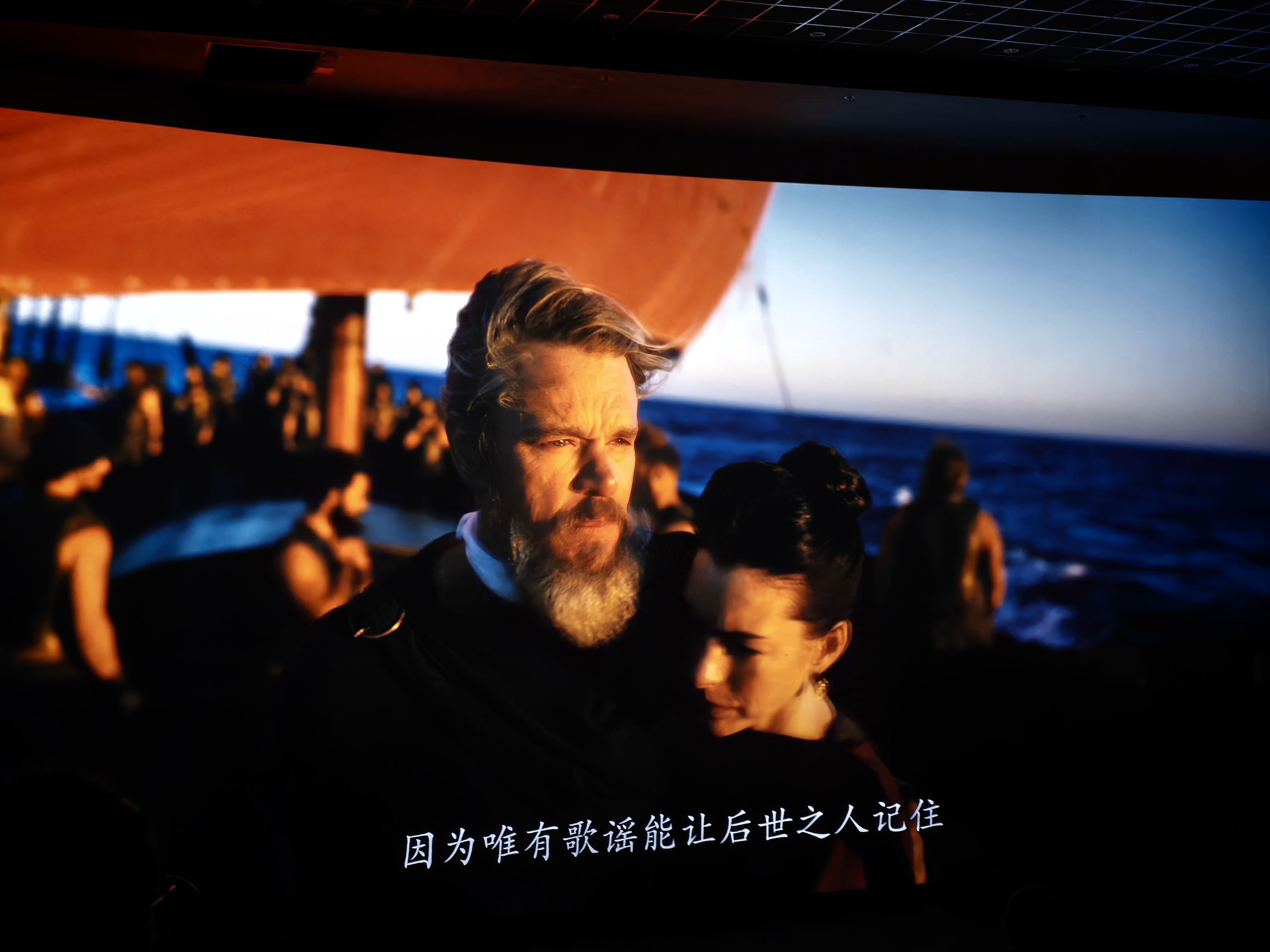
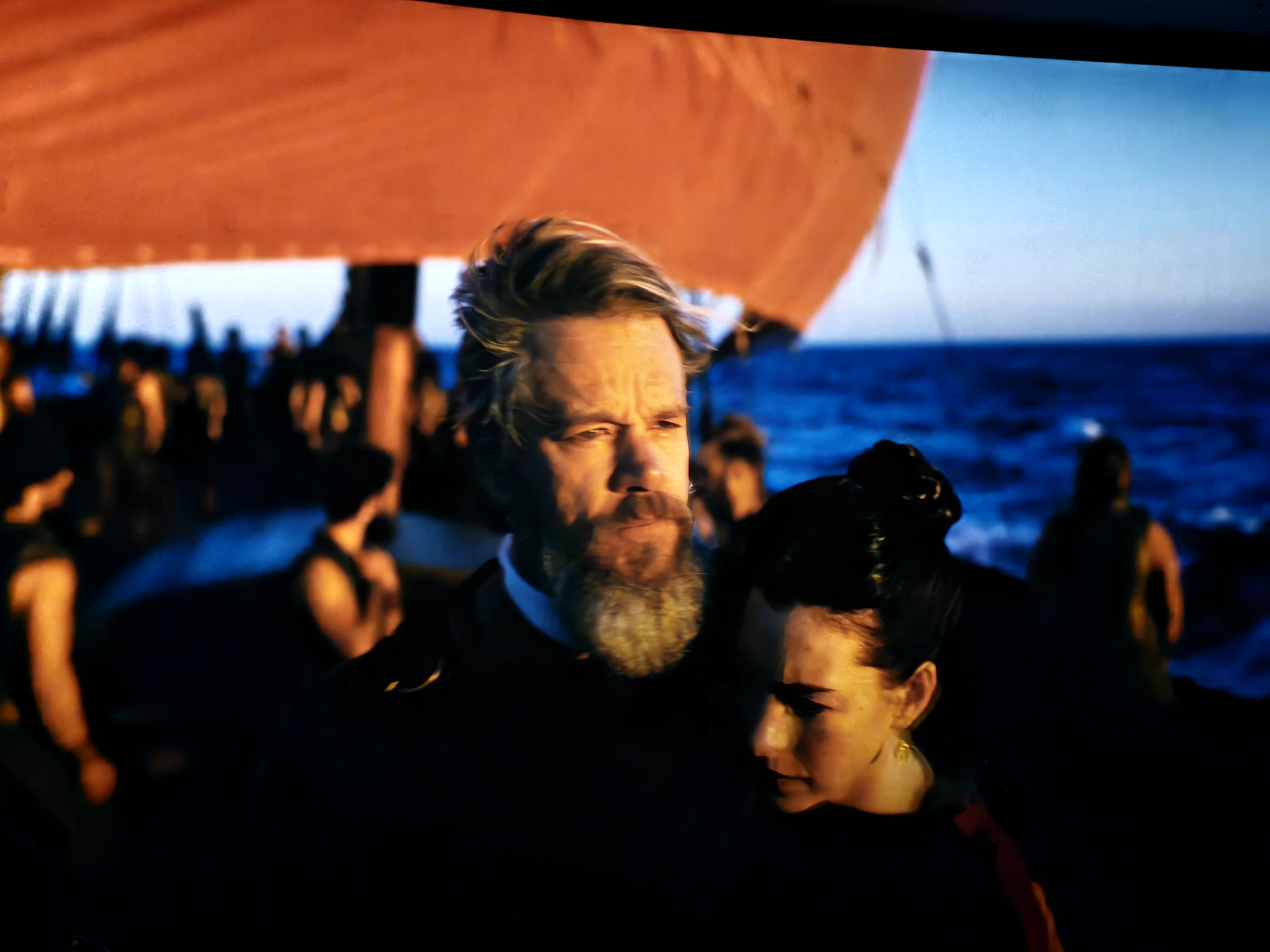
今天到看奥德赛,顶级的IMAX画质加上感人的剧情,奥德修斯从背负使命,离开妻子远走征战,看向旁边的士兵一个个离去,在大海上漂泊最后一个人回到故乡,最后和求婚者决斗,胜利后身上插满了剑,
最后与妻子一块航行西方世界。胜利者的曙光,我觉得这部电影太奥德赛了!
最后与妻子一块航行西方世界。胜利者的曙光,我觉得这部电影太奥德赛了!
0 00